Crimson Desert Best Settings (FPS Boost Guide)
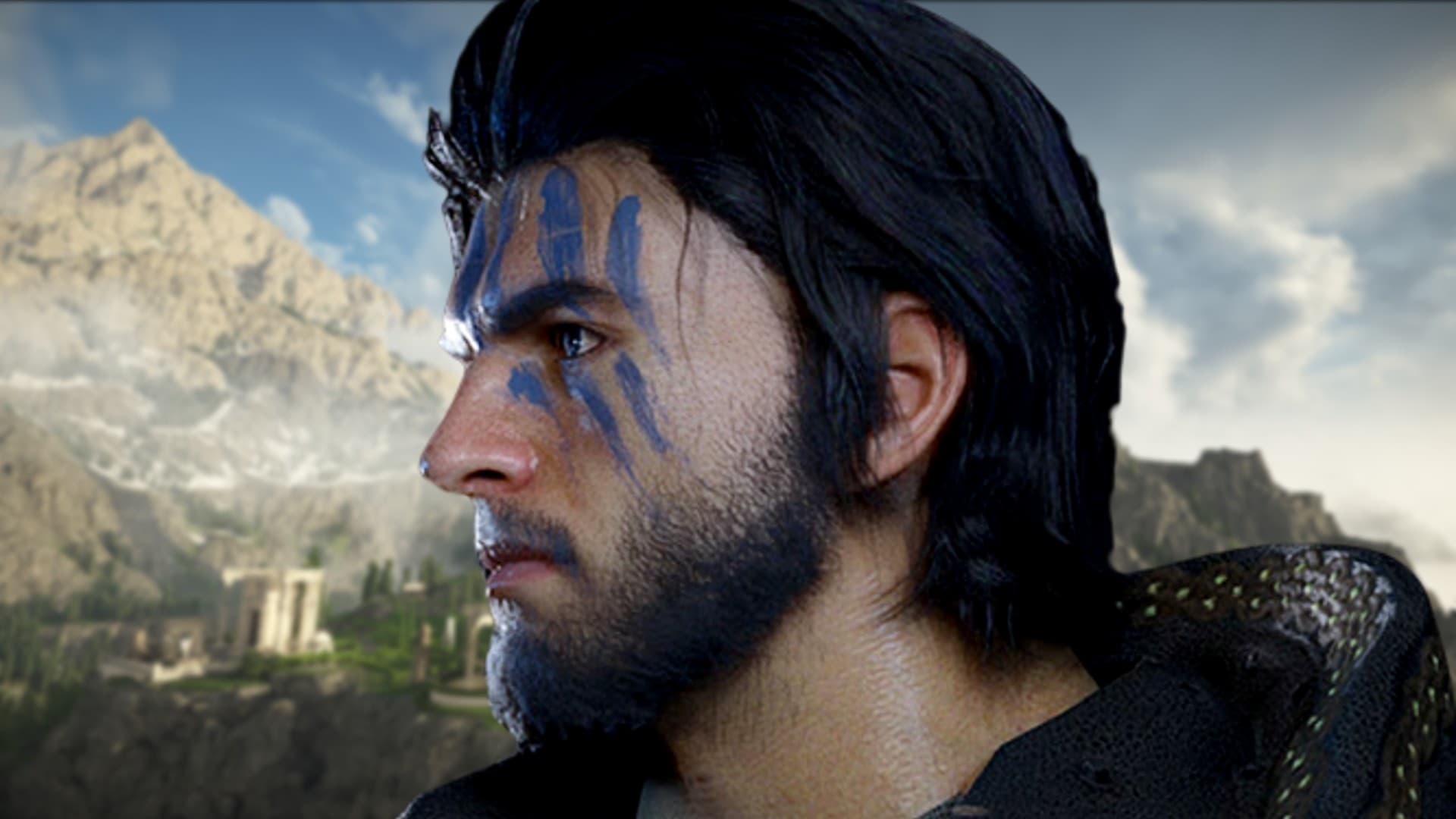
After the release of Crimson Desert, many players are looking for the best settings to improve performance and increase FPS. This guide covers the optimal configuration for every hardware tier.
In this guide, we'll show you the best settings for Crimson Desert to help you achieve smoother gameplay. Before diving in, make sure your hardware meets the minimum specs in our system requirements guide.
Best Graphics Settings (Balanced)
This configuration offers the best balance between visual quality and performance for most mid-to-high-end systems:
| Setting | Recommended |
|---|---|
| Resolution | Native |
| Texture Quality | High |
| Shadows | Medium |
| Effects | Medium |
| Post-Processing | Low |
Performance Optimization Tips
Lower Shadows
Shadows are the single biggest performance drain in Crimson Desert. Dropping from High to Medium or Low can yield a significant FPS improvement with minimal visual impact during fast-paced combat.
Reduce Post-Processing
Turning post-processing down to Low can significantly boost FPS. Most players won't notice the difference during gameplay, especially in action-heavy sequences.
Adjust Resolution Scaling
Lowering resolution scaling to 80–90% improves performance without major visual loss. This is one of the most effective tweaks for mid-range hardware.
Best Settings for Low-End PC
- Texture Quality → Medium
- Shadows → Low
- Effects → Low
- Resolution Scaling → 80–90%
- Post-Processing → Off
Best Settings for High-End PC
- Everything → High / Ultra
- Ray Tracing (if available) → On
- Resolution Scaling → 100%
- Post-Processing → High
Additional Performance Tips
- Update your GPU drivers before launching
- Close background applications to free up RAM
- Monitor CPU and GPU usage to identify bottlenecks
- Enable hardware-accelerated GPU scheduling in Windows settings
Final Thoughts
Optimizing your settings can dramatically improve your experience in Crimson Desert. Finding the right balance between visuals and performance is key — don't sacrifice too much visual quality chasing FPS numbers.
If you're still having trouble, check our system requirements guide to see if an upgrade might be needed. And once you're running smoothly, head over to our beginner tips to get the most out of your gameplay.
Frequently Asked Questions
How to increase FPS in Crimson Desert?
Lower shadows and post-processing settings first. Also reduce resolution scaling to 80–90% for a significant FPS boost with minimal visual loss.
What settings impact performance most?
Shadows, effects, and resolution scaling have the biggest impact. Lowering these three settings will give you the most FPS improvement.
Is Crimson Desert well optimized?
Optimization is improving with patches, but settings adjustments help significantly. Following this guide should give you a noticeably smoother experience on most hardware.